Input static SVG
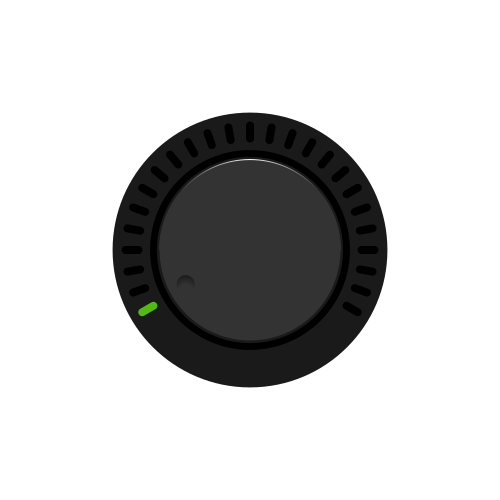
Source Lottie animation
Motion edit prompt
Starting from the existing single lit segment at the lower-left of the ring, rotate the central dial assembly smoothly clockwise about two thirds of a turn around the knob center so the small dark indicator spot travels from the lower-left edge of the inner face, up through the left side to the top, then down the right side to a lower-right position. As the indicator advances, reveal the remaining 24 outer tick lights by snapping them on one by one in the same clockwise order, each tick lighting the instant the indicator reaches its angle so the newly lit tick is radially aligned with the indicator. Briefly hold at the far clockwise position with all 25 segments lit, then reverse the motion: rotate the indicator counterclockwise back along the same path while those 24 segments snap off one by one in reverse order, each just after the indicator leaves that segment’s angle, ending with only the lower-left segment lit and the indicator returned to its position in the provided SVG. Keep the outer casing, tick positions, and top highlight fixed.