Input static SVG
Source Lottie animation
Motion edit prompt
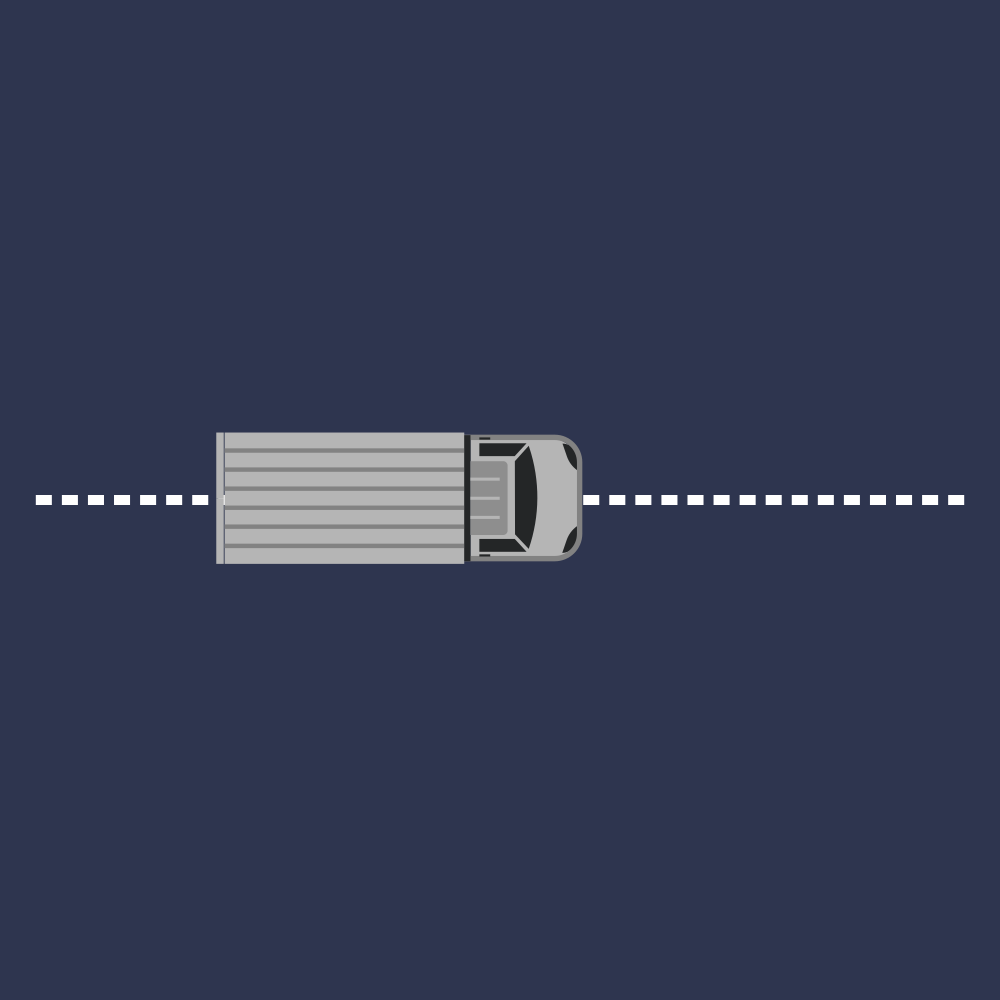
Use the parked, level truck shown in the SVG as the settled middle pose, not the starting pose: first turn the SVG into the animation start by moving the whole truck off canvas above and to the right, rotating it a quarter-turn around an anchor near the middle of the truck body just behind the cab so it is upright, and moving the package off canvas left. At the start, bring the whole truck in from above and to the right along a smooth descending curve while it rotates around that same body anchor from the upright quarter-turn orientation into the horizontal pose, easing as it settles. Once parked, animate the two rear cargo doors on the left end as hinged flaps: the upper door swings outward up-left about its upper rear hinge point and the lower door swings outward down-left about its lower rear hinge point, both rotating about 126 degrees and holding. While the doors are open, slide the package in from offscreen left through the rear opening until it is inside the cargo bed and mostly hidden by the truck body. Then close both doors by reversing the same hinge rotations. After a short pause, move the entire truck slightly left as a wind-up, then accelerate it to the right until it exits completely, taking the package with it.