Input static SVG
Source Lottie animation
Motion edit prompt
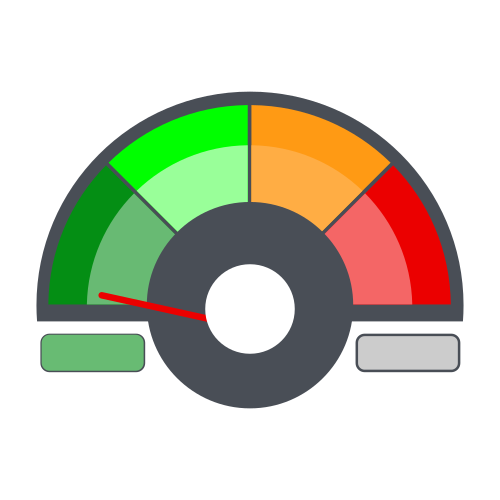
Keep the speedometer body, colored arc, hub, and side pill outlines fixed. Animate the red needle as a rigid pointer rotating around the center of the circular hub: it starts angled down-left in the low green range, sweeps clockwise quickly into the upper orange/yellow region of the dial, then makes 3 damped back-and-forth swings within the orange/yellow region: first rotate about 5 degrees counterclockwise, then 1 degree clockwise; second rotate about 5 degrees counterclockwise, then 2 degrees clockwise; third rotate about 2 degrees counterclockwise, then 1 degree clockwise, before settling and continuing clockwise toward the red high range. As it reaches the right side of the dial, rotate it farther clockwise into the red-zone area and hold briefly. Near the end, rotate the needle back counterclockwise in one smooth return to its down-left position in the provided SVG. Hide the left green status fill as the needle sweeps out of the low green range by fading its opacity down so the left pill becomes gray, reveal the right red warning fill by fading it in after the needle enters the high range, then hide the right warning fill by fading it out before the reset while the left green fill fades back in as the needle returns to low.